Cutscene

It knows what you clicked.

Every screen recorder saves pixels and throws away everything the browser already knew. Cutscene records a Chrome tab and the DOM events behind it, together.

Ordinary recording

A coordinate,
and a guess.

A pixel recorder knows a pointer was somewhere. Everything after that is inference: which thing mattered, how tight to crop, when to move.

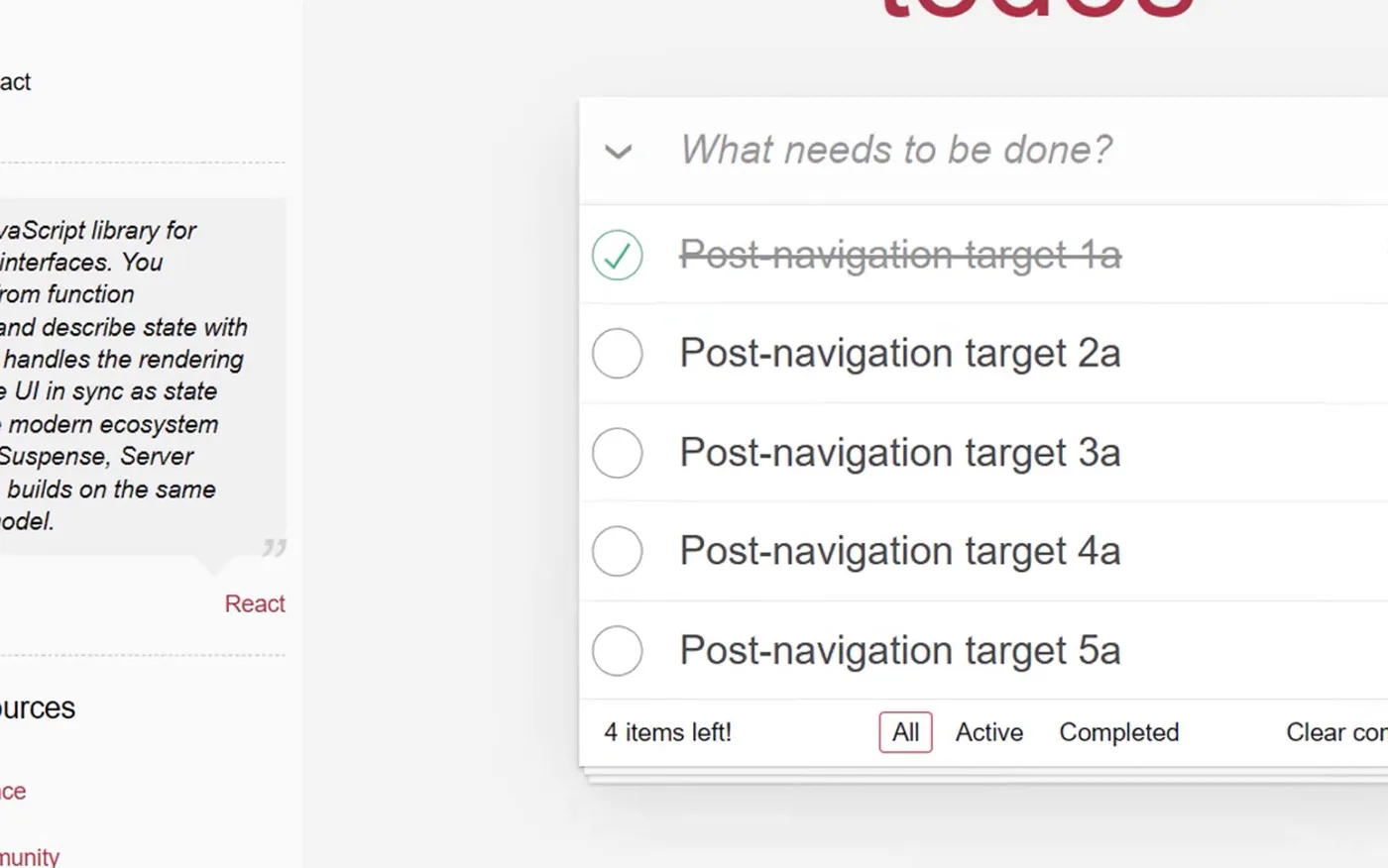
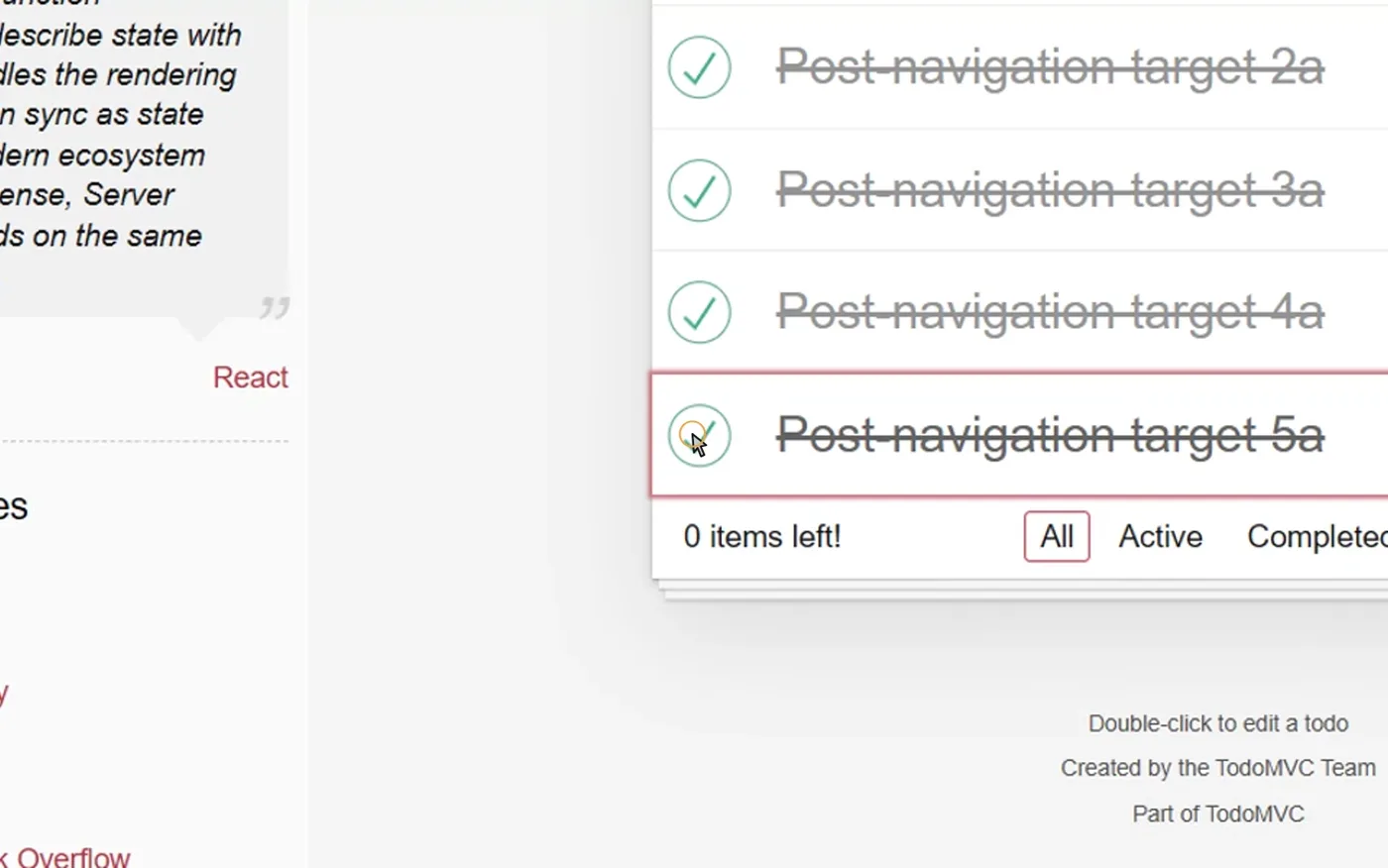
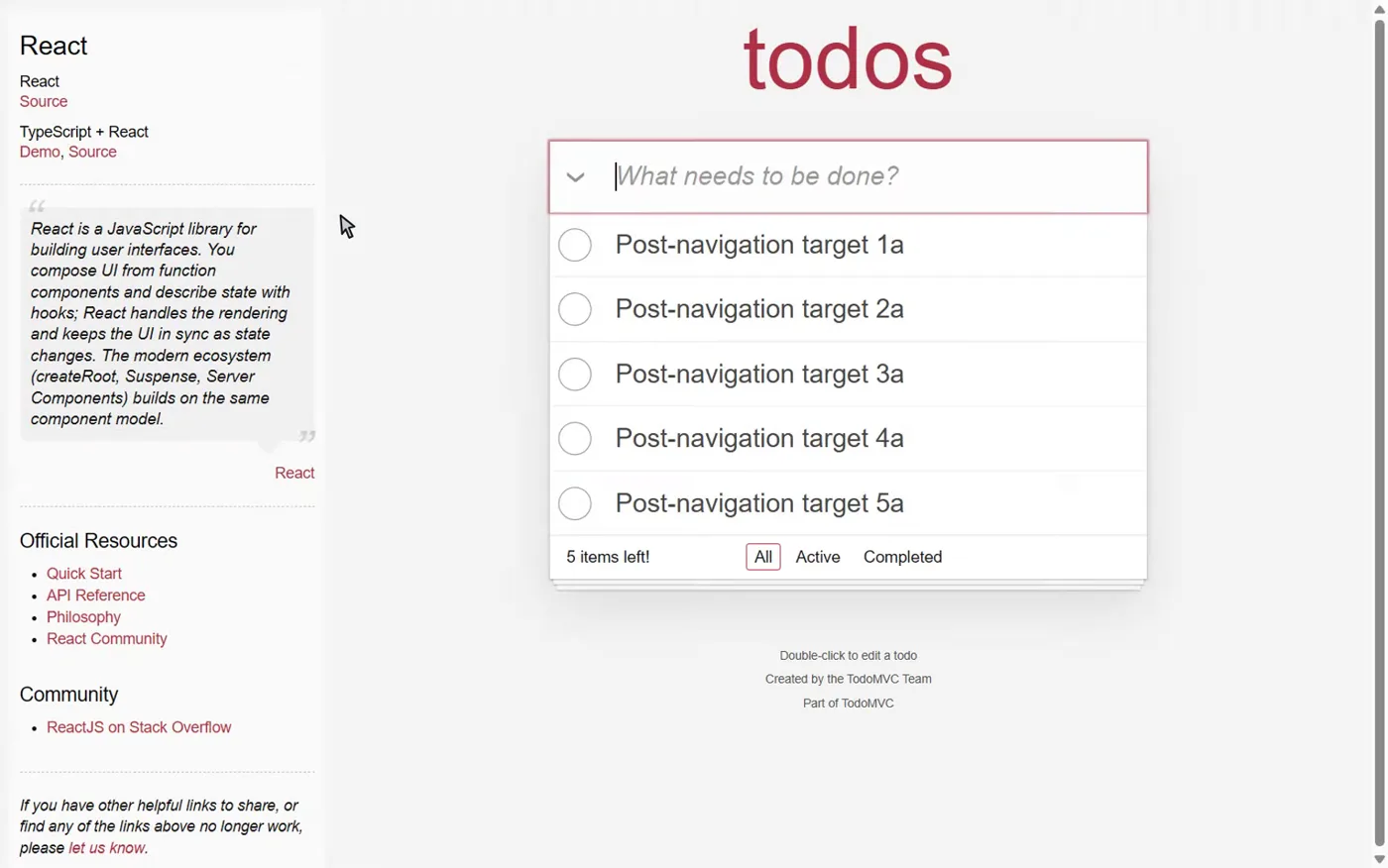
A frame from the raw recording. The whole TodoMVC page is visible and the mouse pointer sits in empty space beside the list. The same recording after Cutscene's element-locked zoom. The camera has framed the todo row that was actually clicked, and the item is struck through.
One recording, two readings: the raw frame, and the zoom Cutscene built from the element it recorded.
step
step_0001
element
checkbox
box css px
507.4, 205.2, 40, 40
locator
testId · 100%

One capture

Then it keeps paying.

  1. A rendered frame from the exported MP4, zoomed to the final checkbox.
    demo.mp41080p H.264, element-locked zooms baked in
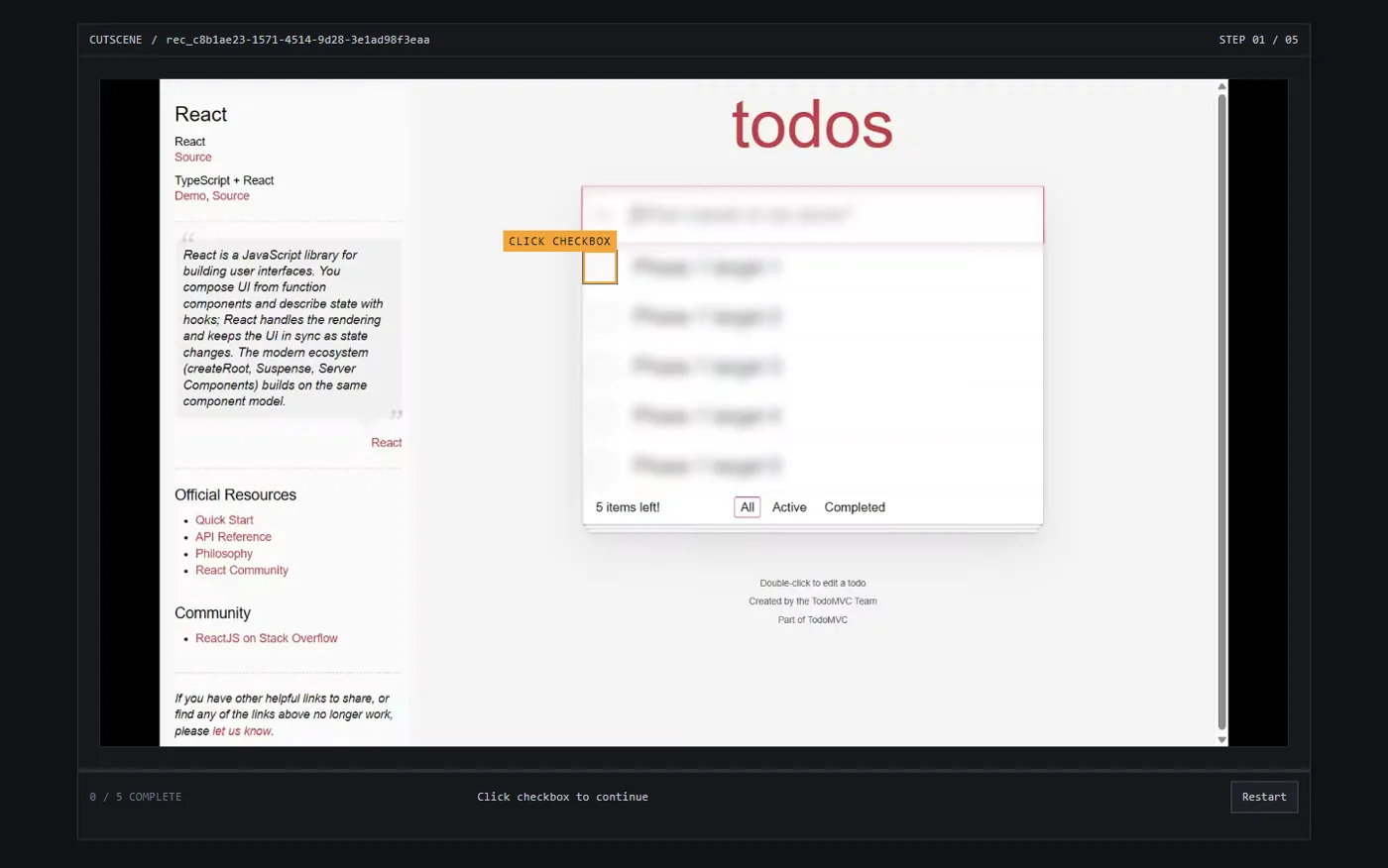
  2. The exported interactive player, showing the demo paused with a hotspot over the next element and a progress readout.
    index.htmlstatic click-through, no backend, no sign-in
  3. ## Step 3
    
    Click **Post-navigation
    target 3a**.
    
    ![Step 3](screenshots/
    step-03.png)
    docs.mdwritten from accessible names, never a language model
  4. await page
      .getByTestId('toggle-3')
      .click();
    
    await page
      .getByRole('checkbox',
        { name: 'target 4a' })
      .click();
    playwright.spec.tsthe same ranked locators, as a test
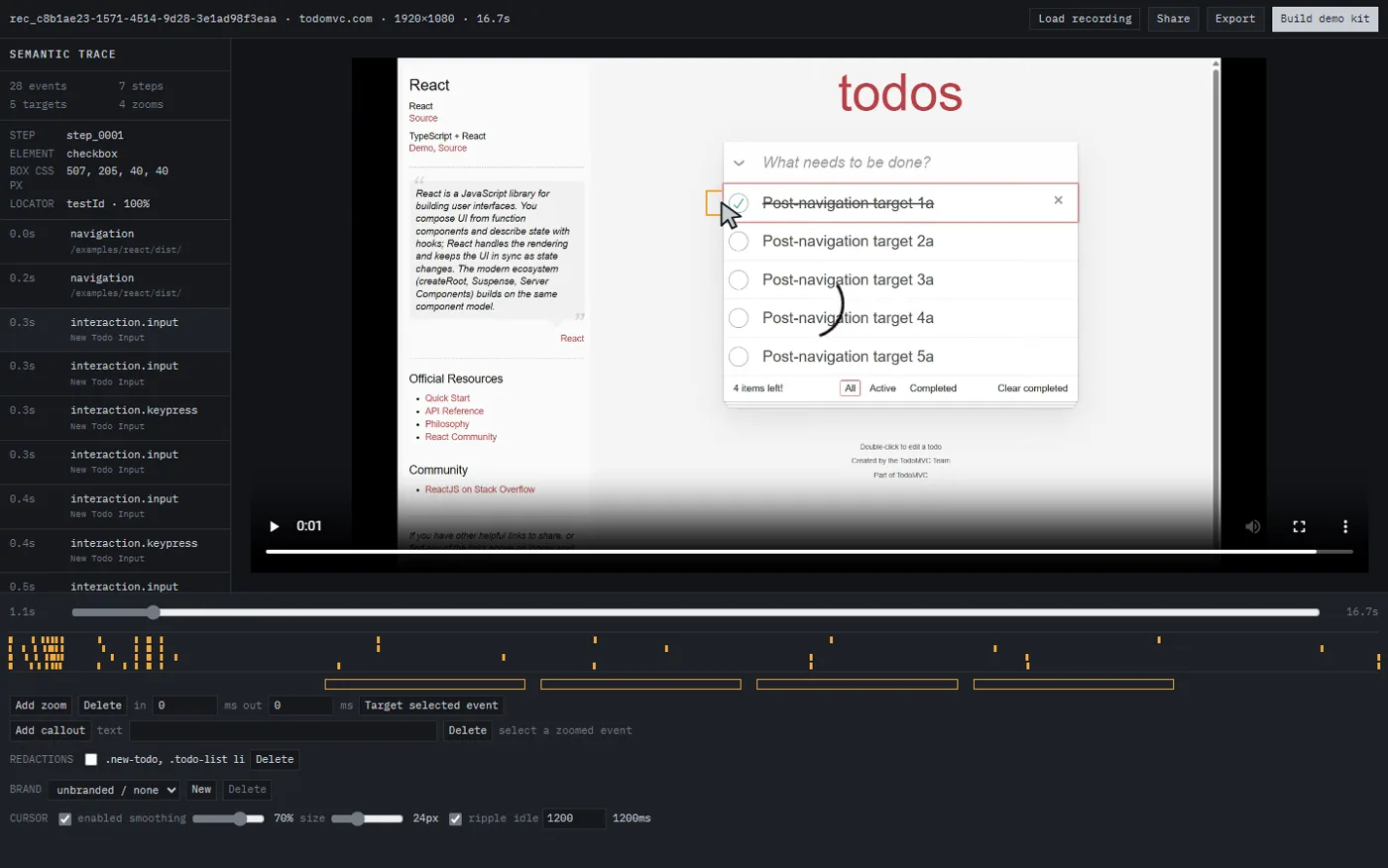
  5. The Cutscene editor with the semantic trace listed on the left and the zoom and redaction timeline below the video.
    the editretime, retarget, blur, crop, brand
  6. Interactions on elements
    with no accessible name (5)
    
    step_0001 at 1.2s
    step_0002 at 4.6s
    step_0003 at 7.3s
    quality.mdan audit of the path you just walked

Generated from one trace file, so nothing can drift out of step with anything else.

It already knew

Five checkboxes.
No accessible name.

Every element you touched carries its role, accessible name and ranked locators. Read them back and the recording audits the path it just walked. This is the real report from the capture on this page.

Interactions on elements with no accessible name (5)

  • step_00011.2scheckbox exposes no accessible name
  • step_00024.6scheckbox exposes no accessible name
  • step_00037.3scheckbox exposes no accessible name
  • step_00049.9scheckbox exposes no accessible name
  • step_000512.6scheckbox exposes no accessible name

Derived from the trace. No page was re-inspected to produce this.

The application changes

It stops being
a recording.
It becomes a test.

  <button data-testid="create-report">Create report</button>
- <button data-testid="export-csv">Export CSV</button>
- <button data-testid="archive">Archive</button>
+ <button data-testid="csv-export-button">Export CSV</button>

replayexit 1

2matched

1driftedExport CSV · role[1]

1orphanedArchive · no locator resolved

replay --healrepaired

healed step_3testId to role

3matched

1orphanedArchive · still gone

It promotes the locator that actually resolved and writes the trace back, so the rename is fixed for good. The deleted button has nothing left to promote, so the run still fails. It repairs what it can and refuses to hide what it cannot.

A stale recording looks fine right up until someone notices. A stale Cutscene demo fails like a failing test.

Go and click it.

The demo is a static file exported by the editor. It pauses the video at every recorded click and waits for you to hit the real element. No install, no account.
What it will not do

  • Chrome only.
  • DOM-based web apps only. Canvas, WebGL and maps fall back to pixels.
  • Cross-origin iframes cannot be traced.
  • Shadow DOM only when the root is open.

Measured, and reproducible with pnpm test

Sampled zooms on the correct element
10 / 10
Mean zoom timing error
0.258 frame
Max interactive hotspot edge error
0.014435 px
Tests passing
315